

Windows
Free Windows app available
Microsoft Store · Basic + Premium · Worldwide
Microsoft Store →Your sources. Your player.
Live TV, films and series from your own Xtream or M3U source. Built to recover when a stream drops. Basic is free: watch, save favourites and keep your progress without an account.
Bring your own authorised sources. TellyForge does not provide channels, playlists or TV subscriptions.
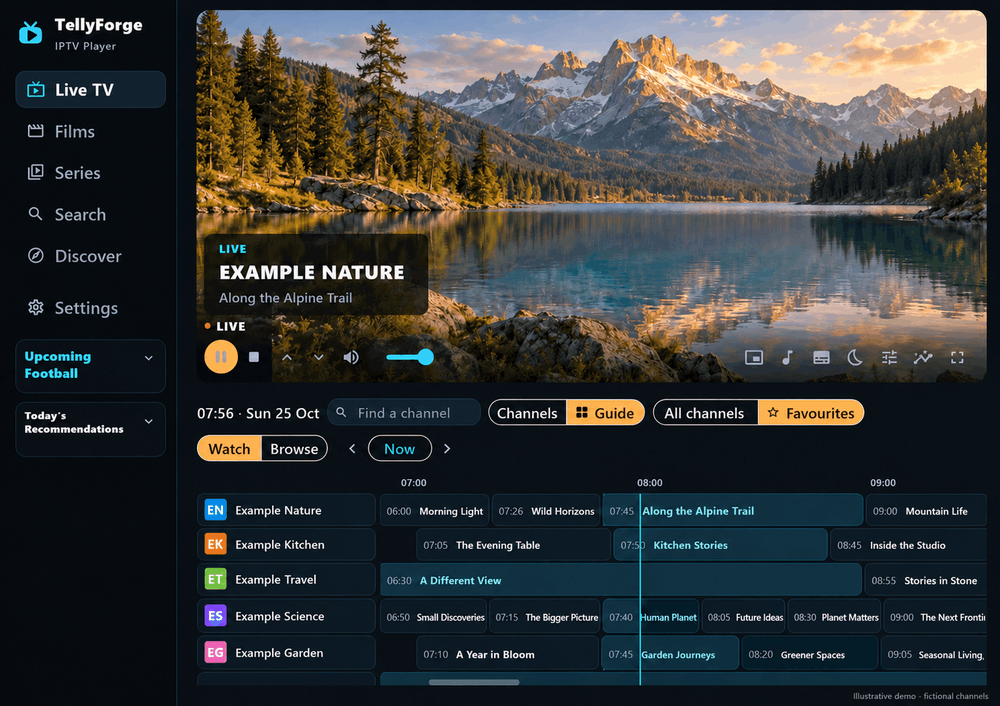
Start with free Basic. Add Premium later if you want sync and more.
Get the free app and check the requirements for your edition.
Use your authorised M3U playlist or Xtream account. No TellyForge account is needed for Basic.
Browse Live TV, films and series where your source supplies them. Save favourites and keep your viewing progress.
Recovery handles interruptions and reconnects. Premium adds Chromecast, sync, backup sources and smarter discovery.
| Feature | Included with |
|---|---|
| Ad-free live TV, films, series, guides, favourites and saved progress | Basic & Premium |
| Automatic playback recovery and reconnects | Basic & Premium |
| Chromecast: cast compatible streams to a Google Cast TV or device | Premium |
| Encrypted Secure Sync for your sources, favourites and viewing progress | Premium |
| AI discovery and daily film & series recommendations on supported desktops | Premium |
| Upcoming Football: follow teams and find matching channel coverage | Premium |
| Multiple sources, matching backup streams and automatic failover | Premium |
Chromecast requires Premium and a supported Cast-capable app edition; it is not available on Fire TV. Secure Sync requires your own Google account and Google Drive. AI discovery requires a separately connected AI tool and account; playback never needs AI. Football coverage and backup streams depend on your sources. Apple Store editions are Basic-only. Amazon Appstore supports existing Premium access on compatible Fire TV devices.
Touch controls for your phone and tablet. Remote-friendly browsing on Fire TV.
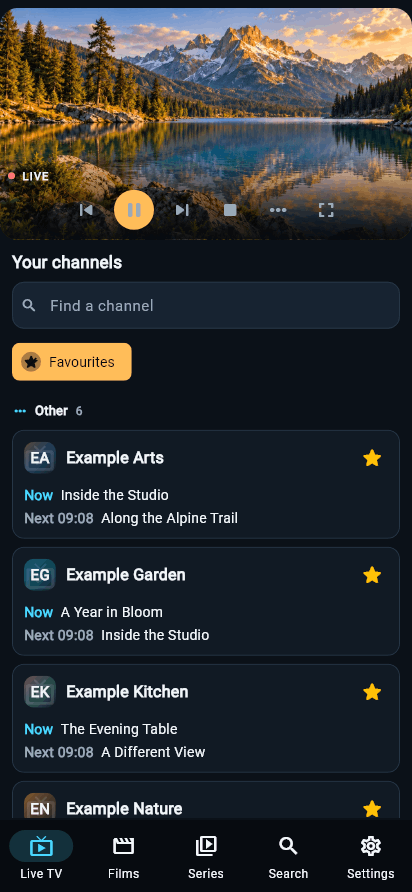
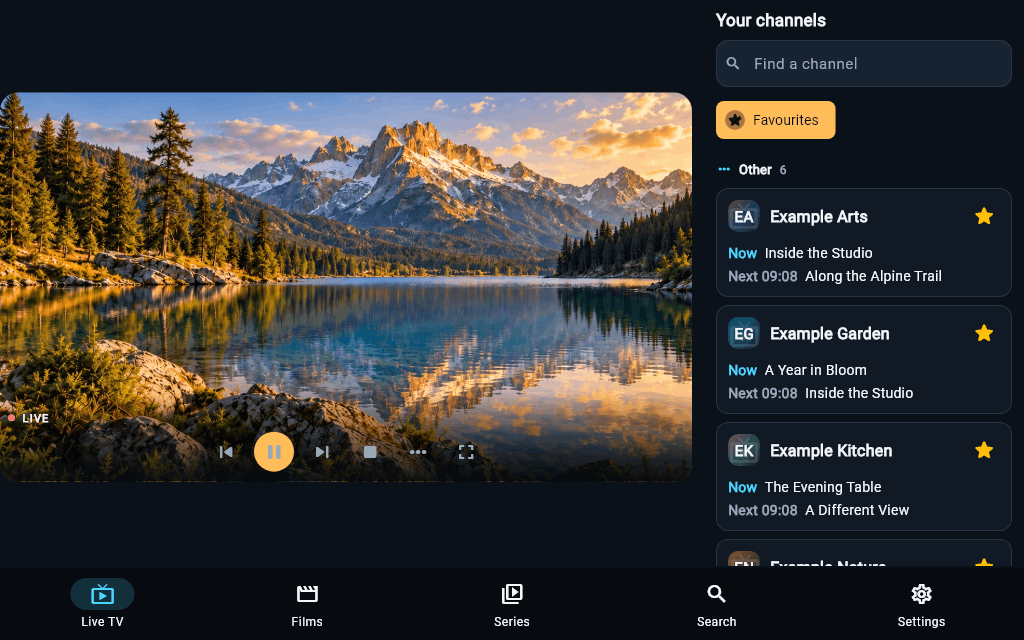
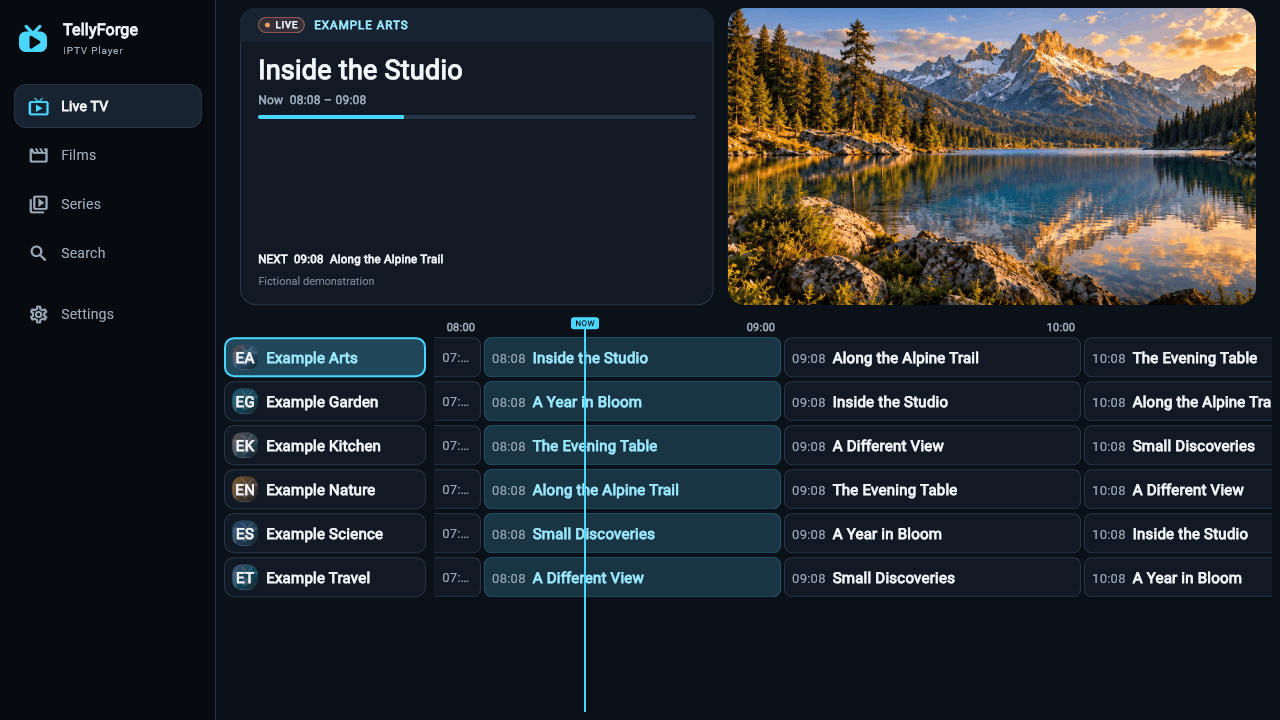
Shared-layout demonstrations with fictional channels and generated scenery. Features vary by edition; the iPhone and iPad App Store apps are Basic-only. Check your device →
Choose your edition for requirements and installation steps.
Free Windows app available
Microsoft Store · Basic + Premium · Worldwide
Microsoft Store →
Free Android app available
Google Play & Direct · Basic + Premium
Google Play or direct →
Free Fire TV app available
Amazon Appstore & Direct: Basic + Premium
Works best on Fire TV Stick 4K Max.
Amazon Appstore & Direct →
Free Mac app available
Mac App Store: Basic only · Worldwide · Direct: Basic + Premium
Mac App Store or direct →
Free iPhone & iPad app available
App Store · Basic only · Worldwide
Advanced Direct · Basic + Premium

Free Ubuntu app available
Direct download · Basic + Premium · Worldwide
Ubuntu download →All editions include free, ad-free Basic without a TellyForge account. Premium is optional and available only in supported editions. Invited testers receive private access instructions directly. See all download options.
No. TellyForge is a player for your own authorised sources. It does not supply channels, films, series, playlists or TV subscriptions. What you can watch depends on the source you add.
Basic stays free and has no player adverts. Playback, browsing, favourites and local viewing progress do not require a TellyForge account. Advertising within your own source’s channels may still appear.
Premium adds Chromecast in supported editions, optional encrypted Google Drive sync, multiple sources and backup streams, plus other features shown above. It has a US$10 base price once, including applicable tax, for five replaceable installations total across supported platforms. My account shows current country availability; review the final currency and total in Checkout. See Premium and supported editions →
No. Chromecast is a Premium feature in supported Cast-capable desktop and mobile editions. Connect your Premium account in the app, then choose a compatible receiver on the same trusted local network. Basic playback remains free and ad-free. Basic-only Store editions and Fire TV do not include Premium casting. Availability depends on your edition, app update, stream and receiver. See Chromecast with Premium →
There are editions for Windows, Android, Fire TV, Mac, iPhone, iPad and Ubuntu. Requirements and Premium support differ by edition. Check your device and download options →
No. Premium uses your TellyForge account. Optional Secure Sync uses your own Google account and your own Drive space, connected separately. Drive authorization does not grant a licence. The emails may differ. Follow the setup and sync guide →
Need a hand? Get setup help and contact support →
100% ad-free, including Basic. TellyForge adds no adverts to its player, menus or discovery. Your channels may carry their own advertising.
Bring your own authorised sources. TellyForge does not provide channels, subscriptions, playlists or media.